
Select the vehicle.
Explore the fleet, compare daily rates, and open the vehicle page that best matches the number of passengers, luggage, and style of trip.

Choose an open vehicle, send the request, confirm the handoff, and pay by card when the keys are collected.
The reservation process is designed to show availability early and keep direct communication open throughout the rental.
Explore the fleet, compare daily rates, and open the vehicle page that best matches the number of passengers, luggage, and style of trip.
Reserved dates are shaded and disabled inside the calendar. Select the pickup and drop-off time from the remaining open dates.
Provide your name, email, phone or WhatsApp number, flight details, and any handoff notes. A booking reference is created immediately.
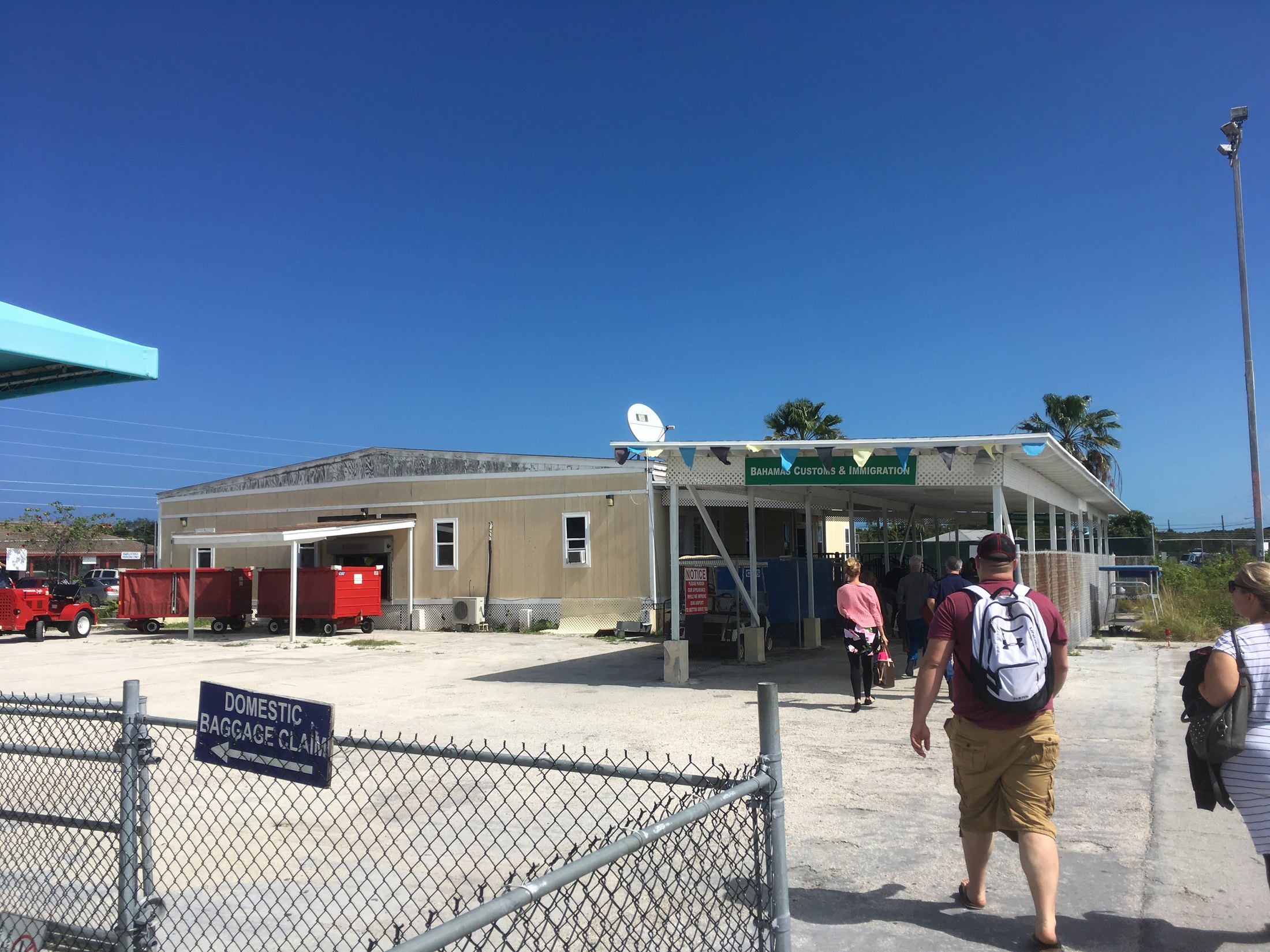
Meet the team at the confirmed location, review the rental agreement, and pay by credit or debit card using the owner’s card terminal.

Adding accurate travel and contact information helps the local team prepare for the agreed collection time.
Include the airline, flight number, and expected arrival time for airport collection.
A phone or WhatsApp number helps the team communicate if arrival timing changes.
The driver must be at least 25 and meet the rental conditions shown on the Terms page.
Credit and debit card payments are handled in person on the card terminal at handoff.
Use the reference and booking email to view the request through the Manage Booking page.
Open the live calendar and begin with a vehicle that suits the trip.